
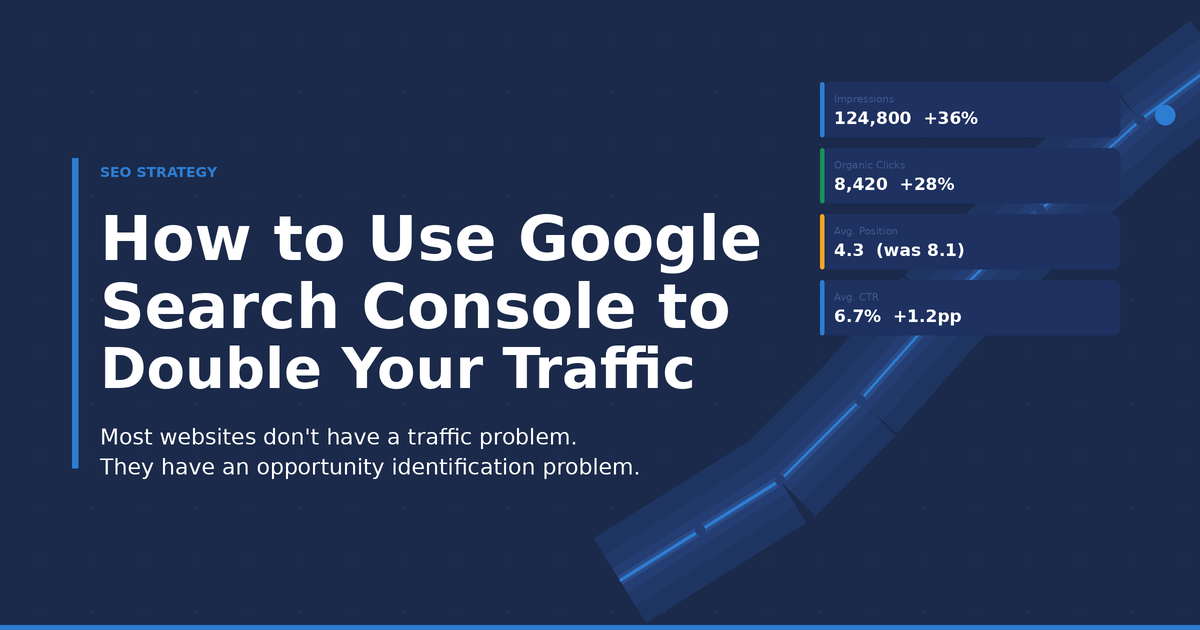
How to Use Google Search Console to Leverage Existing Data and Double Your Website Traffic
When organic traffic stalls, the typical response is predictable.
Create more content. Target more keywords. Publish more blogs. Build more backlinks.
While those tactics have their place, they’re rarely the fastest way to grow.
Over the years, one pattern has emerged in almost every SEO audit we’ve conducted: businesses spend months creating new content while ignoring pages that are already getting visibility in Google.
In many cases, the biggest traffic gains aren’t hiding in future content ideas. They’re already sitting inside Google Search Console.
The challenge is knowing where to look.
Google Search Console contains a goldmine of first-party data that tells you:
- Which keywords Google already trusts you to rank for
- Which pages are one update away from significant growth
- Where you’re losing clicks despite strong rankings
- What topics Google associates with your website
- Which pages are slowly losing visibility
Yet most website owners only open Search Console to check traffic or investigate indexing issues.
That’s like buying a Ferrari and only using it to drive to the mailbox.
At our agency, Search Console is often the first tool we open, before Ahrefs, Semrush, or any other SEO platform. Google’s own data frequently reveals opportunities that keyword tools completely miss.
This article will show you the exact process we use to uncover those opportunities.
We call it the GROW Framework.
The GROW Framework
Instead of chasing new keywords every month, focus on maximizing the visibility you already have. The framework looks like this:
G
R
O
W
Let’s break down each stage.
Gather Opportunities Already Hiding in Search Console
Most SEO campaigns start with keyword research. We prefer starting with opportunity research.
The difference matters.
Keyword research asks: What could we rank for?
Opportunity research asks: What are we already ranking for?
Open Google Search Console and navigate to Performance → Search Results. Enable all four metrics: Clicks, Impressions, CTR, and Average Position. Now sort by impressions.
What you’re looking for are pages and keywords already generating visibility, even without strong click volume.
For example, imagine you’re reviewing a website for a white-label marketing agency. You find this query:
| Query | Clicks | Impressions | CTR | Position |
|---|---|---|---|---|
| white label seo services | 152 | 8,400 | 1.8% | 8.3 |
Most people would focus on the 152 clicks. We focus on the 8,400 impressions.
Those impressions tell us Google already trusts the page. It doesn’t need to prove relevance anymore. It simply needs to become a better result.
This shift in mindset changes everything. Instead of creating another article about white-label SEO, we improve the page Google is already showing.
Raise Rankings for Keywords Sitting Between Positions 5 and 20
This is where some of the quickest SEO wins happen.
Keywords ranking between positions 5 and 20 are already close to generating meaningful traffic. Google knows the page exists. Google understands the topic. Google has confidence in the content. Now you need to help Google justify ranking it higher.
During one audit, we found a service page ranking in position 9 for a keyword generating more than 12,000 impressions annually. The page contained a basic service description, a contact form, and a short FAQ. Meanwhile, competitors ranking above it included pricing examples, process breakdowns, deliverables, reporting screenshots, and case studies.
The gap was obvious. We expanded the page by adding:
Service Deliverables
Exactly what clients receive every month, line by line.
Process Walkthrough
How onboarding works, what happens in weeks 1 through 4, and what the client sees.
Reporting Examples
Screenshots and explanations. Specificity builds trust in a way that descriptions never do.
Frequently Asked Questions
Common concerns buyers had before purchasing, sourced from sales call notes and support tickets, not guessed.
Three months later, the page moved from position 9 to position 4. Organic clicks increased by more than 60%. No new page was required. No massive link-building campaign was required. The opportunity already existed.
Ask yourself when reviewing pages ranking between positions 5 and 20:
- What information is missing compared to the top 3 results?
- What questions remain unanswered that a buyer would have?
- What are competitors doing better or covering more thoroughly?
- What examples, screenshots, or case studies could strengthen the page?
Sometimes one additional section outperforms ten new blog posts.
Optimize Click-Through Rate Before Chasing Higher Rankings
Many websites lose traffic without realizing it. The rankings look good. The impressions look good. Yet traffic remains disappointing.
The culprit is often CTR.
Look at this example:
| Query | Impressions | CTR | Position |
|---|---|---|---|
| seo audit checklist | 24,000 | 1.2% | 4.8 |
Position 4.8 isn’t terrible. The issue is that very few people click. The original title tag was:
SEO Audit Checklist
Technically accurate. Completely forgettable.
After updating it to:
SEO Audit Checklist: 75+ Technical, On-Page & Local SEO Checks
…and improving the meta description, CTR increased to 2.9%. The ranking barely moved. Traffic nearly doubled. That’s the power of better positioning.
When reviewing low-CTR pages, ask:
Is the title specific?
Specific headlines outperform vague ones. “7 Ways to Build Backlinks in 2025” will almost always outperform “How to Build Backlinks.”
Does it promise a clear outcome?
Users want results, not descriptions. The title should tell them what they’ll walk away with.
Does it stand out against competitors?
Search the keyword yourself. Look at the other titles on the SERP. If yours blends in, it will lose, regardless of position.
One of the easiest wins in SEO is convincing more people to click the rankings you already have.
Use Query Data to Expand Existing Content
One mistake we frequently see is creating multiple articles when one stronger article would perform better.
This is also how keyword cannibalization starts. Multiple pages competing for the same searches, diluting each other instead of reinforcing each other.
Search Console can help prevent that.
Open a high-performing page. Click on the Queries tab. Let’s say you have a blog called How to Create SEO Reports for Clients. When reviewing Search Console, you discover people also find the page through:
- monthly seo report template
- seo report examples
- seo reporting dashboard
- client reporting format
The article barely covers these topics. That’s valuable insight. Google is telling you what users expect to find.
Instead of publishing four separate articles, expand the existing one by adding downloadable templates, dashboard examples, report screenshots, and sample reporting workflows. The article becomes more useful. Google starts ranking it for additional searches. Traffic grows.
Identify Content Decay Before Rankings Disappear
Most traffic declines happen gradually. Search Console usually gives you warning signs before rankings collapse.
Compare your last 3 months against the previous 3 months. Look for pages experiencing declines in clicks, impressions, or average position.
| Period | Clicks | Change |
|---|---|---|
| Jan-Mar | 4,200 | – |
| Apr-Jun | 2,900 | ▼ 31% |
Something changed. The next step is finding out what.
Common causes of content decay include outdated statistics, old screenshots, new competitors entering the SERP, changed search intent, and missing information that newer pages now cover. Organic search still drives nearly 47% of all web traffic. Every click you lose to decay is a real, compounding business loss.
One article we reviewed still referenced ranking factors from several years earlier. Competitors had updated their content repeatedly. After refreshing statistics, adding new examples, updating screenshots, and expanding the FAQ section, traffic began recovering within weeks.
Use Internal Links to Strengthen Existing Winners
Internal linking is one of the most overlooked SEO levers. Many websites add internal links randomly. A smarter approach uses Search Console data to guide where those links go.
Suppose your White Label PPC Services page ranks in position 12. You also have three blog posts generating consistent traffic: a PPC Audit Guide, a PPC Reporting Best Practices article, and a Common Google Ads Mistakes post. Each discusses white-label management. None links to the service page.
Adding contextual internal links from those articles to the service page helps distribute authority, reinforce topical relevance, improve crawlability, and guide users toward conversion pages.
When prioritizing internal links, focus on pages already showing impressions and ranking potential in Search Console. These pages don’t need new backlinks to improve. They need authority redistributed from pages that already have it.
A simple audit: take your top 10 traffic-driving blog posts and check how many of them link to your highest-priority service or conversion pages. For most sites, the answer is fewer than half.
Win More Topical Authority
This is where Search Console becomes incredibly powerful for long-term strategy.
Most businesses decide content topics using keyword tools. Search Console shows what Google already believes you’re relevant for.
For example, after reviewing query data, you discover growing visibility around technical SEO, site audits, crawlability, Core Web Vitals, and website performance. That’s a signal. Google already associates your website with technical SEO.
Instead of publishing unrelated content, double down on that topic cluster. Create supporting content such as a Technical SEO Checklist, a Crawl Budget Guide, a Log File Analysis Guide, a JavaScript SEO Guide, and a Core Web Vitals Optimization Guide.
We’ve seen websites dramatically improve rankings simply by expanding proven topical areas rather than chasing completely new categories. Search Console tells you which topical areas to double down on. The answer is already in the data.
Build a Monthly Search Console Growth System
The websites that consistently grow traffic don’t treat Search Console as a reporting dashboard. They treat it as a decision-making tool. A simple monthly workflow looks like this:
Gather Opportunities
- High-impression pages
- Keywords ranking 5-20
- New query opportunities
Raise Rankings
- Content depth
- Internal linking
- Search intent alignment
Optimize CTR
- Titles
- Meta descriptions
- Rich snippet eligibility
Win More Authority
- Existing topic clusters
- Supporting content
- Internal content relationships
Repeat this process every month. The improvements compound surprisingly fast.
Frequently Asked Questions
How often should I check Google Search Console?
For most websites, a monthly review is sufficient to catch opportunities and early decay signals. Larger sites or active SEO campaigns may benefit from weekly reviews. Consistency matters more than frequency.
Can Search Console replace keyword research tools like Ahrefs or Semrush?
Not entirely, but it should be your first source of information. Search Console reflects actual search visibility for your site, not estimated data from a third-party panel. Use it to identify what’s already working, then use Ahrefs Keywords Explorer or Semrush for competitive research and net-new opportunities.
How long does it take to see results after optimizing a page?
Most improvements appear within a few weeks to a few months depending on crawl frequency, competition, and scale of changes. Title tag updates reflect fastest. Content expansions typically take 4 to 12 weeks to show ranking movement.
What is the most important report in Search Console for traffic growth?
The Performance report. It reveals impressions, clicks, CTR, and average position all in one view. Sorting by impressions rather than clicks is where most teams find their fastest wins.
What is content decay and how does Search Console help identify it?
Content decay is the gradual decline in a page’s search visibility over time, caused by competitors publishing better content, changing search intent, or outdated information. Search Console’s Compare Dates feature makes decay easy to spot: compare the last 3 months against the previous 3 months and filter for pages with declining clicks or impressions.
Your 30-Minute Action Plan
Before you leave this article, log into Search Console and identify these four things.
- ✓ One keyword ranking between positions 5 and 20 with strong impressions
- ✓ One page with high impressions and a CTR below 2%
- ✓ One article that has lost clicks or impressions over the last 3 months
- ✓ One page that could be expanded using query data from its Queries tab
Spend the next 30 minutes on those four opportunities. You might uncover more growth potential than you’d get from planning your next ten blog posts.
Final Thoughts
Most websites don’t need more content. They need better use of the data they already have.
Google Search Console tells you where Google sees potential in your website. It shows what’s working, what’s underperforming, and where the easiest wins are hiding. The businesses that grow fastest aren’t always the ones publishing the most content. They’re the ones paying attention to the signals Google is already giving them.
Start there. You may find that doubling your traffic has less to do with creating something new and more to do with improving what already exists.
If you’d like a second set of eyes on your Search Console data, the team at Visual2Action offers SEO audits and managed SEO services built around exactly this kind of data-driven approach.

Deep Gopalani is an SEO Analyst at Visual2Action, merging technical SEO with conversion-driven copywriting. He manages end-to-end organic growth, from technical audits and code tweaks to GMB, backlinks, and pillar-cluster strategies that drive measurable results.